What is Tacto game?
Tacto games are a series of games from Playshifu. Tacto games are played by placing(Tap or Drag) physical components on the screen to interact with a game
Tacto Electronic game
TEG is a game that concentrates on using physical figurines that represent electronic components to interact with a game. The game aims to teach children the basics of electronics in a fun and gamify way.
The aim of this project
Design an AR educational game aim to teach the basics of electronics for Kids from 4 to 10 years of age




Color Exploration
The idea behind the scenes
The plot is a dungeon taken over by a mole family. The moles are smug who like fancy things and they basically build their lair by stealing things from above ground.
Key point
The reference images from the little big planet are a bit dark in terms of the color palette. Feel free to brighten the colors to make them more appealing to the kid’s eye.
Environment Moodboard
Light can be used to give players hints and direction

BG element
Also Can be use to light environment and also as decoration
BG element

Some places where the mole used fancy clothing to cover their path.
Mole hideout
Random items like mugs, coins, spoons,s or fancy items can be found hanging from place to place.
For the decoration of the dungeon picture of the mole’s family can be on the wall.
Picking up interesting elements

Story
Coming up with a story
Boris’ Annual Bath Day
Boris is a stray dog who lives in an alley. It's his annual bath day, and he is very excited. He has been collecting bath products throughout the year for this one day, but just as he’s about to bathe, he finds that all his bath products have gone missing. Boris begins to dig the area where he’d left his products, and falls through a tunnel that takes him to the mole underground dungeon home.
Initially the team brainstorm together to come up with different stories ideas that will amuse a kid and once the story is approved it is given to a storyteller to write it in detail,
Research
Inspiration:
Little Big Planet
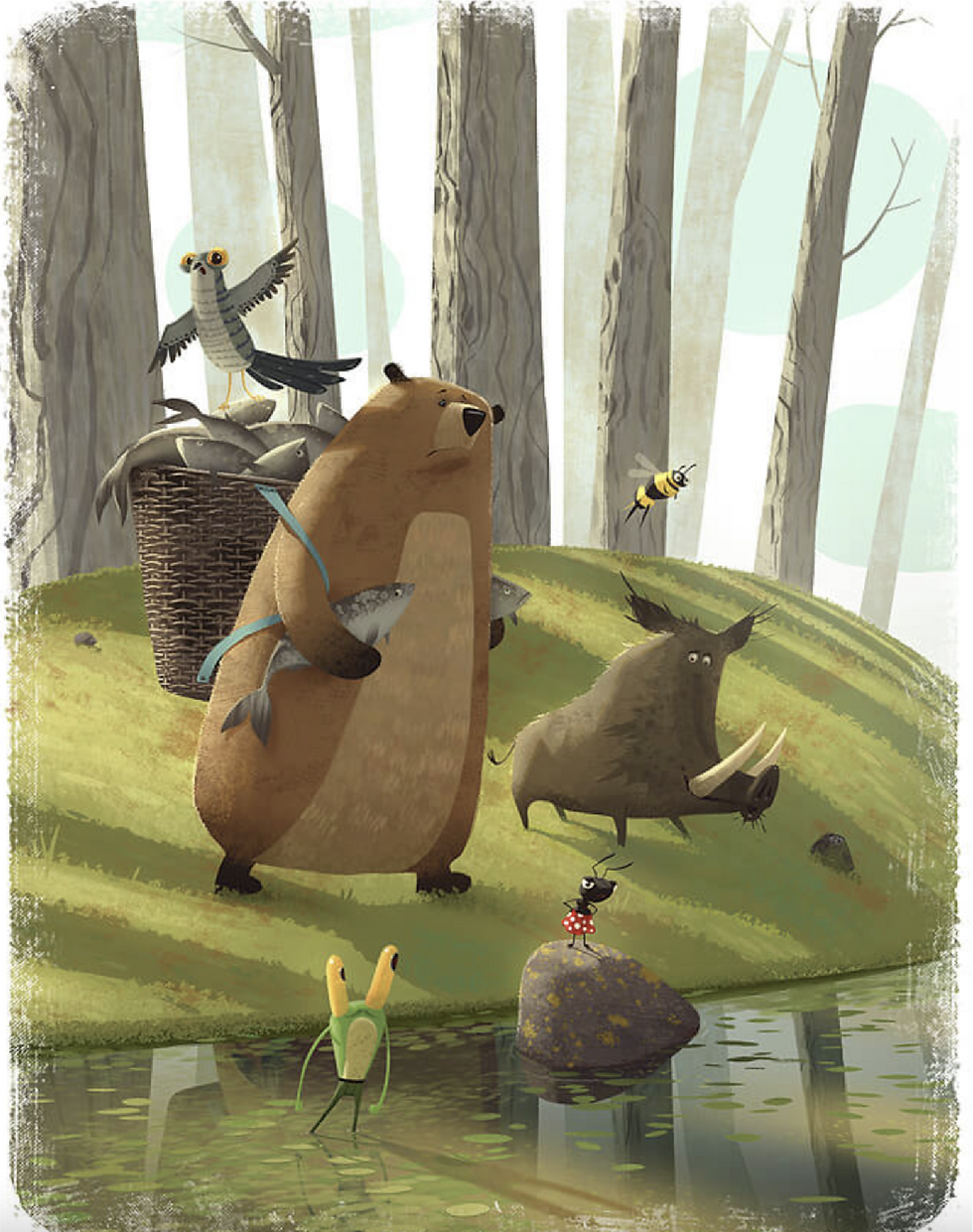
For inspiration, I decided to refer to the little big planet for the visual of the game. Little big planet in terms of art has different art styles. It's a mixture of cartoon style mixed with real-life material.






Initially, the team will brainstorm different story ideas which will fit the context of our game. The story is Key. It needs to be engaging enough for the kid to enjoy the game.
1
STORY
As a visual designer, my research constitutes of researching the visual attribute of the whole game. Detail Moodboards are intensively used.
2
Research
Here I will closely work with a game designer to build & conceptualize the level in the game. Once the game rule and level are decided, the next stage is to sketch these levels to get good a look and feel.
3
Ideation / Level design


Design Process
The Game design document is where the whole flow of the game from start to end is shown. The GDD explains the flow of the game, the animation, the interaction, and the Voice.
The GDD is constantly updated as new things come up by the Visual Designer &Game Designer.
Game Design Document
This part is a very important phase, Art and UI assets need to be ready in terms of size and dimensions to be exported to the developers.
7
Asset Export
This is where the dev team comes into play I will be normally assisting them in any assets modification.
8
Development
The build will be tested by a QnA team and a couple of Kids.
9
Testing
10
After the test is done, changes are made to the game accordingly.
Feedback & Changes
11
The first version release will have limited levels for the player to play. The 1st version release normally tests how the public is reacting to the product and once positive feedback is received from the public a full version will be released.
1st Version release

Ideation/Level Design
Brainstorming Level Design
Solution:
Place the Switch figurine on top of the box to lower the platform.
Solution:
Place the switch figurine on the button to turn a big fan off in order to proceed ahead
Solution:
Place the LED figurine on the broken light to replace it.


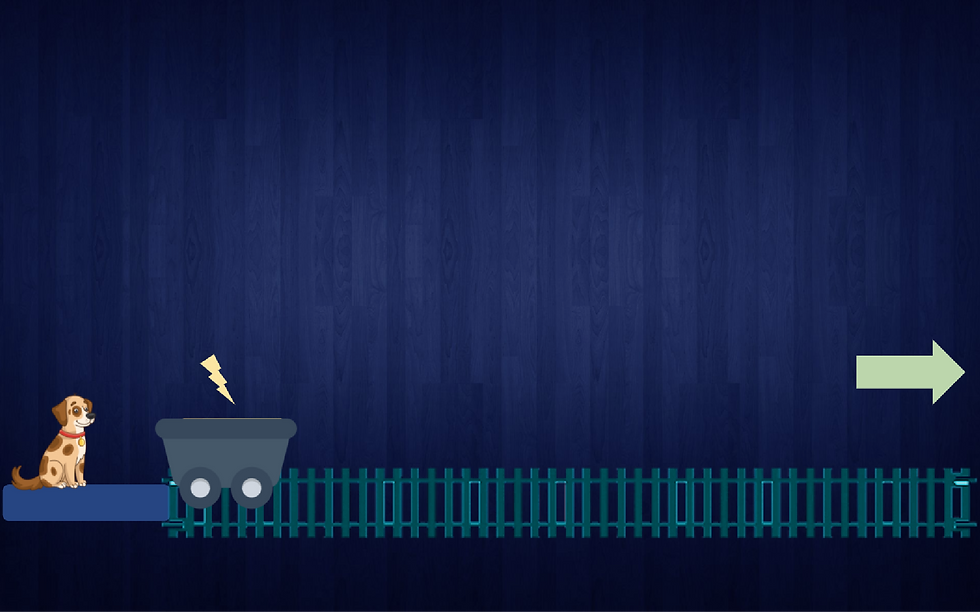
Solution:
Place battery figurine and replace resistor for the cup train to move

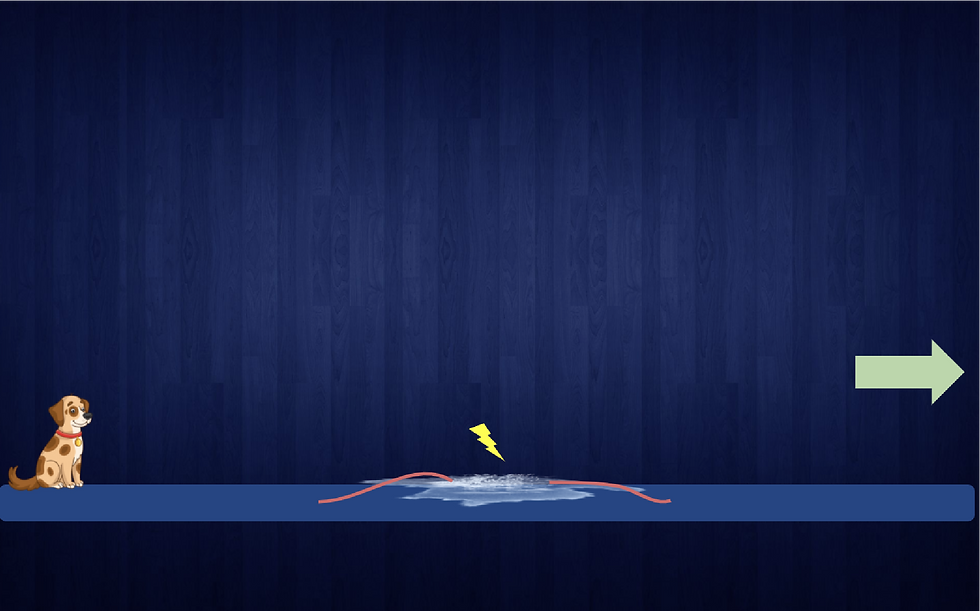
Solution:
Use the wire figurine to connect the open ends of the wire.


Solution:
Complete the circuit using the pen figurine to make the platform move up and down.


Level Design

After digging the ground and not finding his bath items, Boris end up in the Mole family dungeon
Level 2
Fixing Wires - Solution use pen figurine
Level 4
Lifting Platform - Solution connecting the correct colored wire(Interaction involve secondary screen)
When player is about to go to boss level have a picture frame of that Boss which show their character.
Level 1
Intro to family-Picture frame- Solution use Led figurine
Level 3
Bats encounter - Solution use LED figurine
Level 5
Light the exit path connecting the correct wire and placing the LED figurine. (Interaction involve secondary screen)
Prototype
Level Design
Character & Assest Art


Box Interaction
The electronic boxes will act as an interface for the player to activate and deactivate electrical components. The player can activate the boxes by placing appropriate figurine.
LED
Not connected


Light On


Light Off


Broken


Multimeter
Not connected

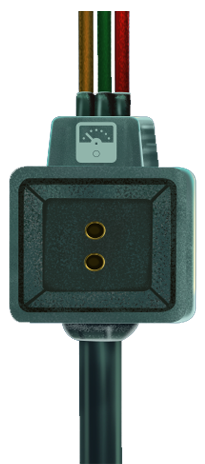
Broken


Connected


LDR
Not connected


Broken
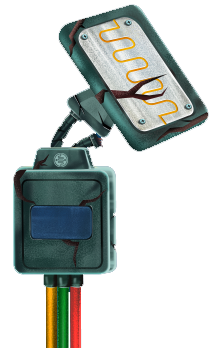
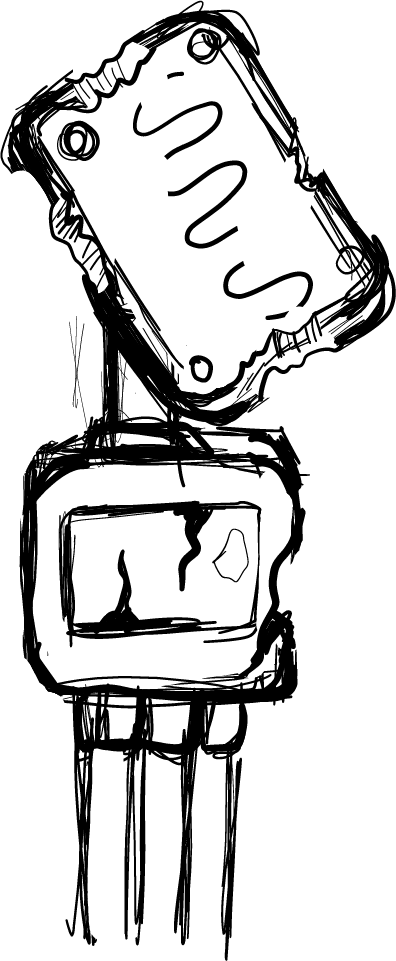
Connected

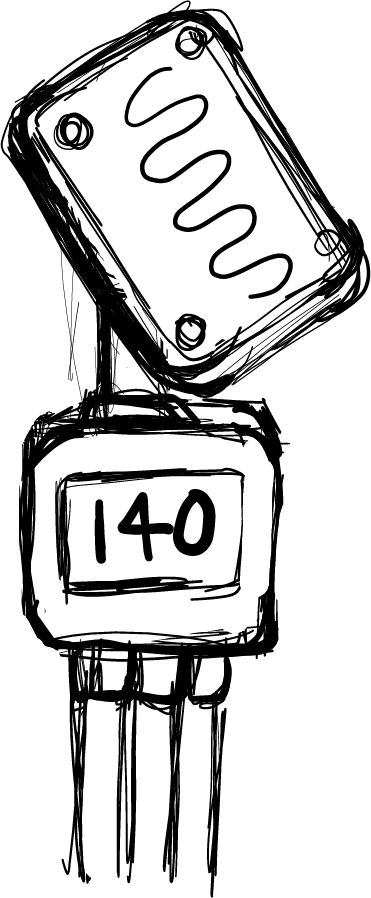
Resister
Not connected


Broken


Connected


Battery
Solar Panel
Not connected


Broken

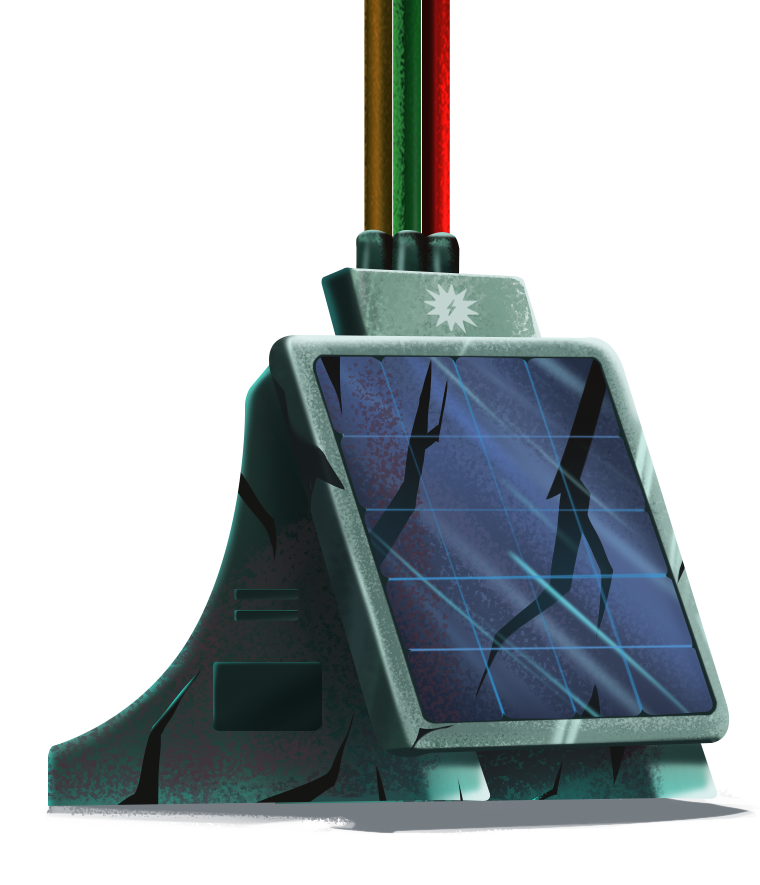
Connected


Speaker
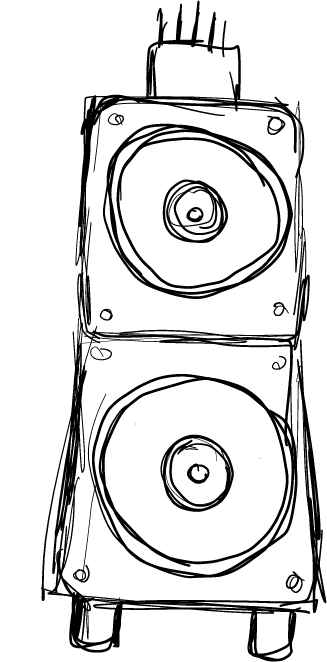

Speaker off
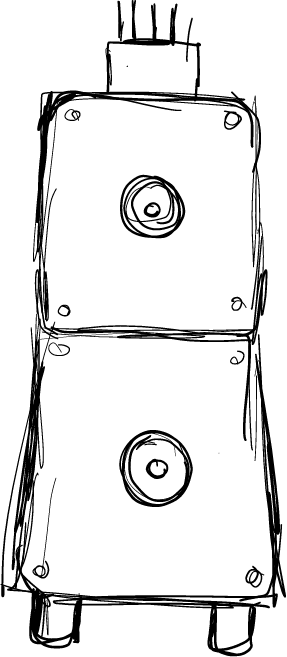
Not connected


Broken

Connected

Motor
Not connected


Broken


Connected


Switch
Connected


Broken


Not Connected


Not connected
Connected but off
Broken
Connected
Moodboards


User interface design





Button Design
For the style, I tried to keep in mind the idea of a bubble bath and thus create a bubble concept button.


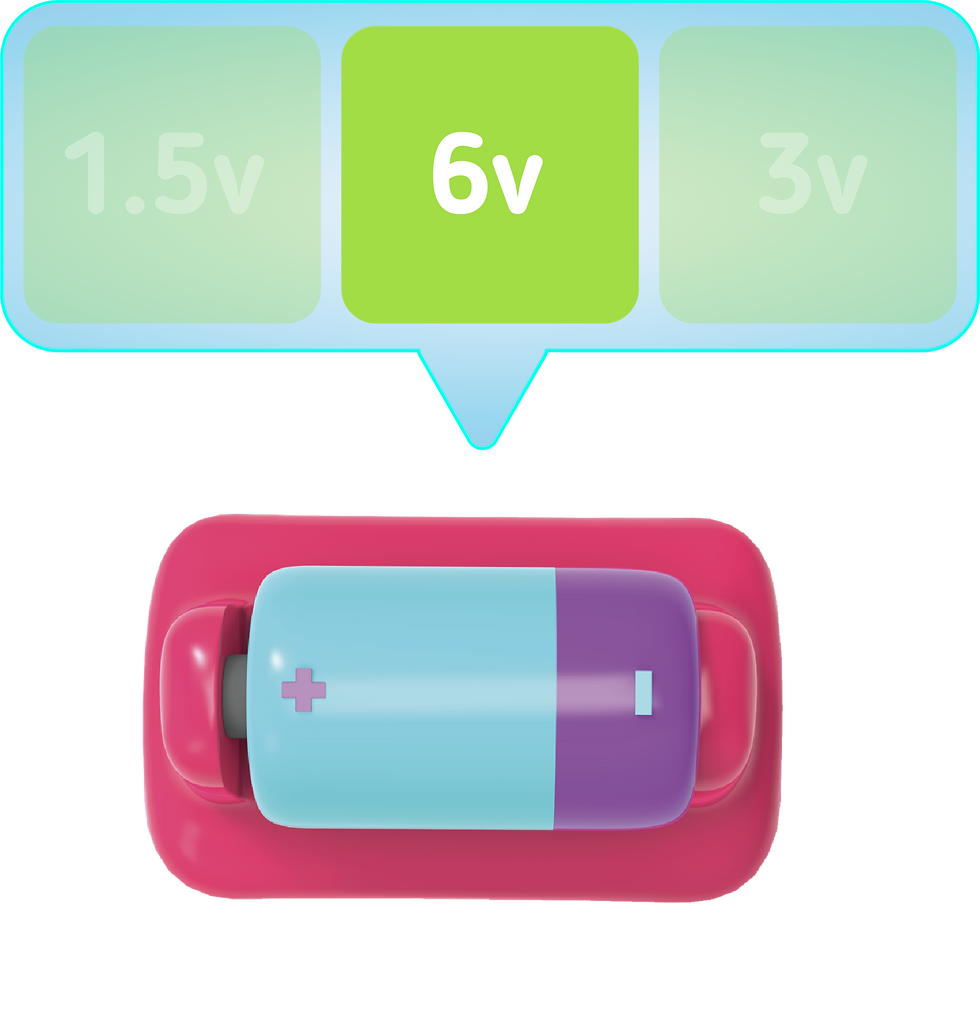

VALUE SELECTION
Figurine like Battery,Resistor or multimeter has Value associated to it. Once the player place these figurine a UI will pop-up and suggesting these to choose the correct value.
The selection of values is done by dragging the figurine from left to right.
Switch Selection
The Switch figurine has to optionwhich on & Off. For affordance the orientation has been change to vertical


Music Selection
For the Speaker figurine there are 3 type of music the player can select
Rock: “loud”, can be used to scare away someone or instead attract someone’s attention.
Dance: “sweet”, can be used to attract or entertain someone
Relax:“peaceful”, can be used to calm someone down or make them fall asleep.


Show flow of electricity
Once the player activates a system as a form of feedback flow of current is shown for the player to identify the system is activated.
Current off
Current flowing

Vs


Breadboard View
The breadboard view is for harder levels where the player can build, rearrange and fix circuit


Level Map Selection
The level Map help the player to navigate throw the different cleared levels

Each Level at a Normal State
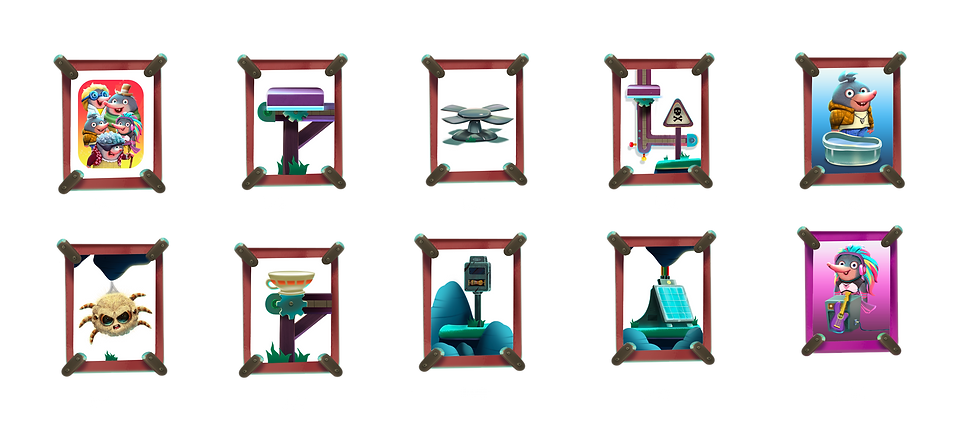

Each Level at a current state


The Game icon will be used in the game library of Electronics games.
Game Icon


Environment Final Render
Figurine Base

How it work ?
Place the figurine on the screen. Once place the screen will detect the figurine and UI underneath it will appear. This UI help the user to place the figurine in the correct position


Correct Feedback

Wrong Feedback


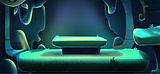
Gameplay
Thanks for Watching
By Hansroy Nemdharry | UI/UX Designer
Tacto games
Tacto Electronic game - Bath Baby Boris
An AR educational game aims to teach the basics of electronics for Kids from 4 to 10 years of age


Once the levels sketches and characters sketches have been approved an Artist will come into play where I will guide him to create the art
4
Art Direction
After having some level art I will develop a low-fidelity prototype for the team to test and see what can be improved.
5
Prototype
This is your Testimonial section paragraph. It’s a great place to tell users how much you value your customers and their feedback.
6
Ideation / Level design
